 Myko AI
features
Everything in one workspace.
A closer look at what ships in Myko.
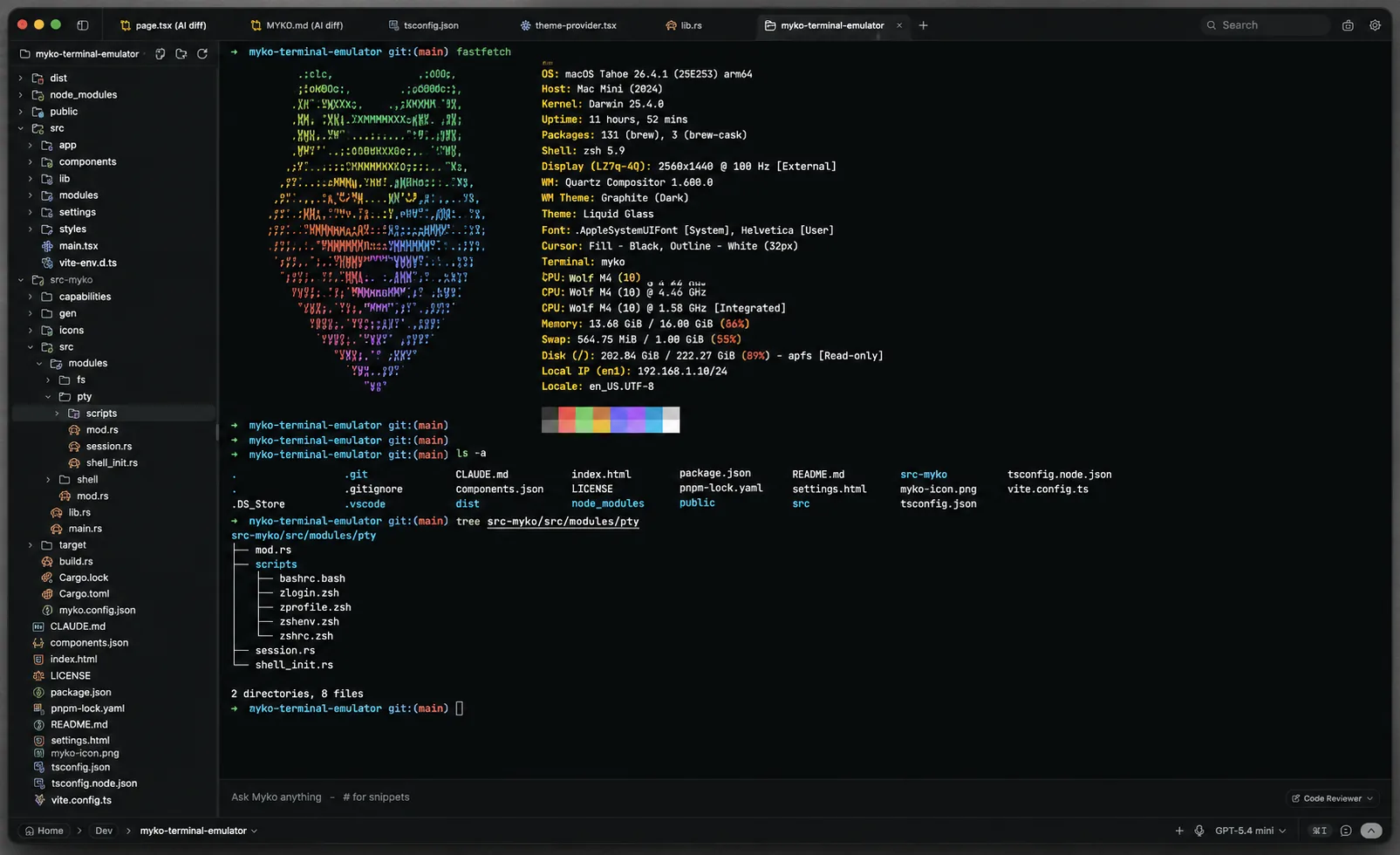
terminal
Your terminal is the center of gravity.
A native PTY under a GPU-rendered front end: instant startup, smooth under heavy scrollback.
- Multi-tab with background streaming, split panes
- Inline search, link detection, true-color
- zsh, bash, pwsh, fish, cmd, plus WSL as a first-class environment
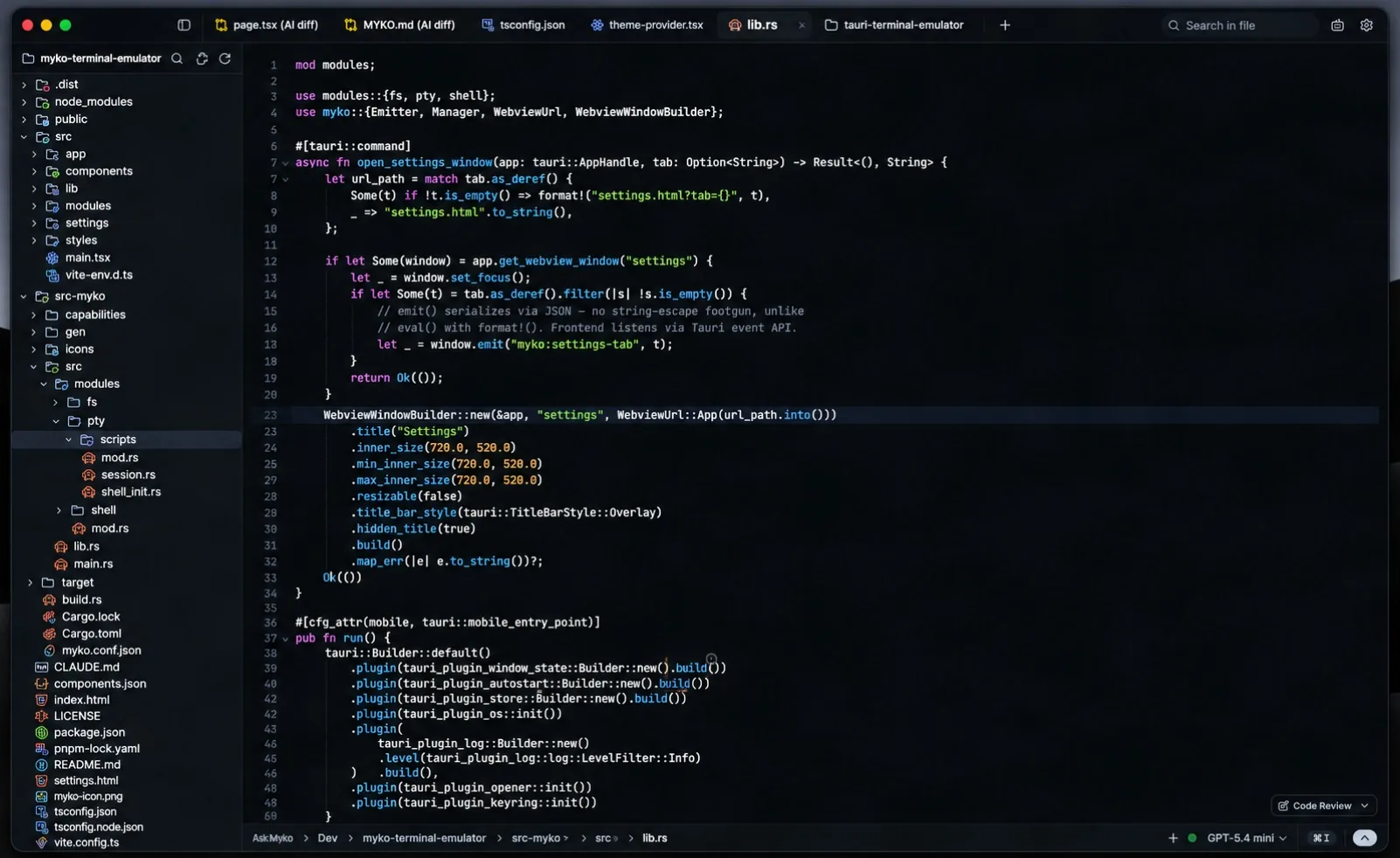
editor
Code with context, not clutter.
CodeMirror 6 tuned for keyboard-first work with AI that understands the file you are in.
- Inline AI autocomplete, local models supported
- Vim mode, ten built-in editor themes
- AI edit diffs: accept or reject hunk by hunk
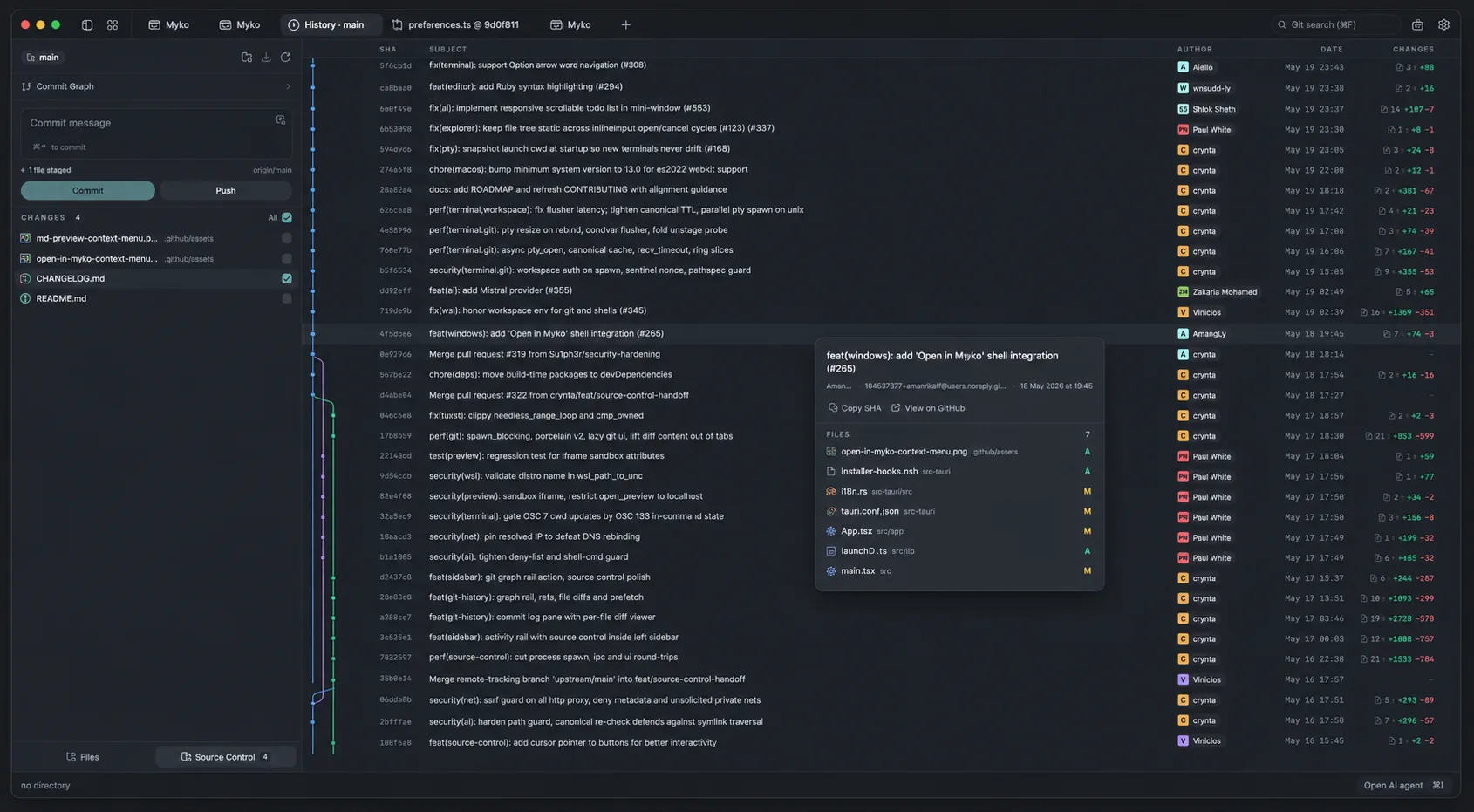
source control
Git without leaving the window.
Stage hunks, commit and read history through a real commit graph.
- Hunk-level stage / unstage, push with upstream awareness
- Graph with lanes for merges and branches
- Commit search, jump to the remote commit page
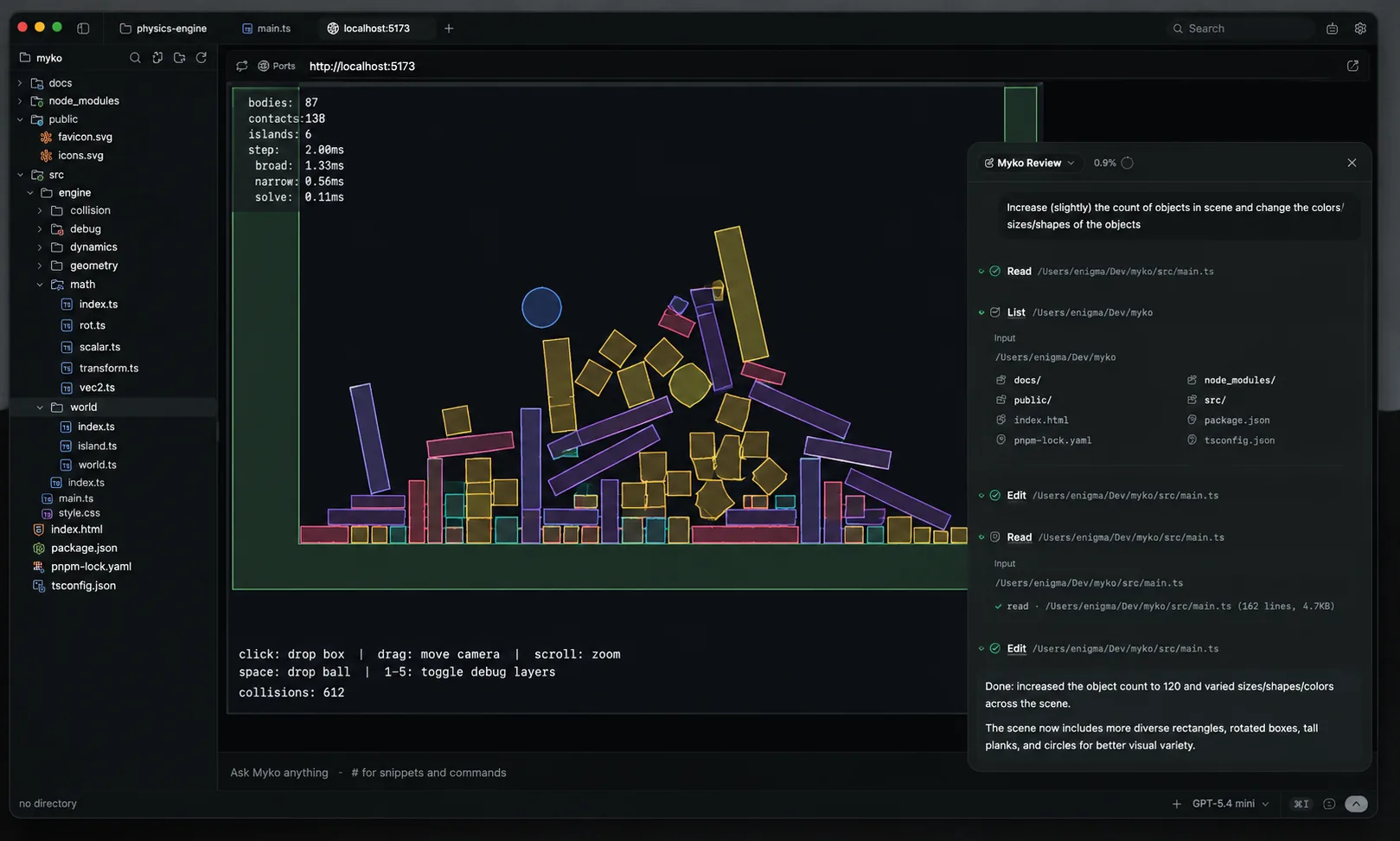
live preview
See your app beside your code.
Myko finds your dev server automatically and opens it in a preview tab.
- Zero-config detection
- External URL preview in a native webview
- Hot reload at the speed of your dev server
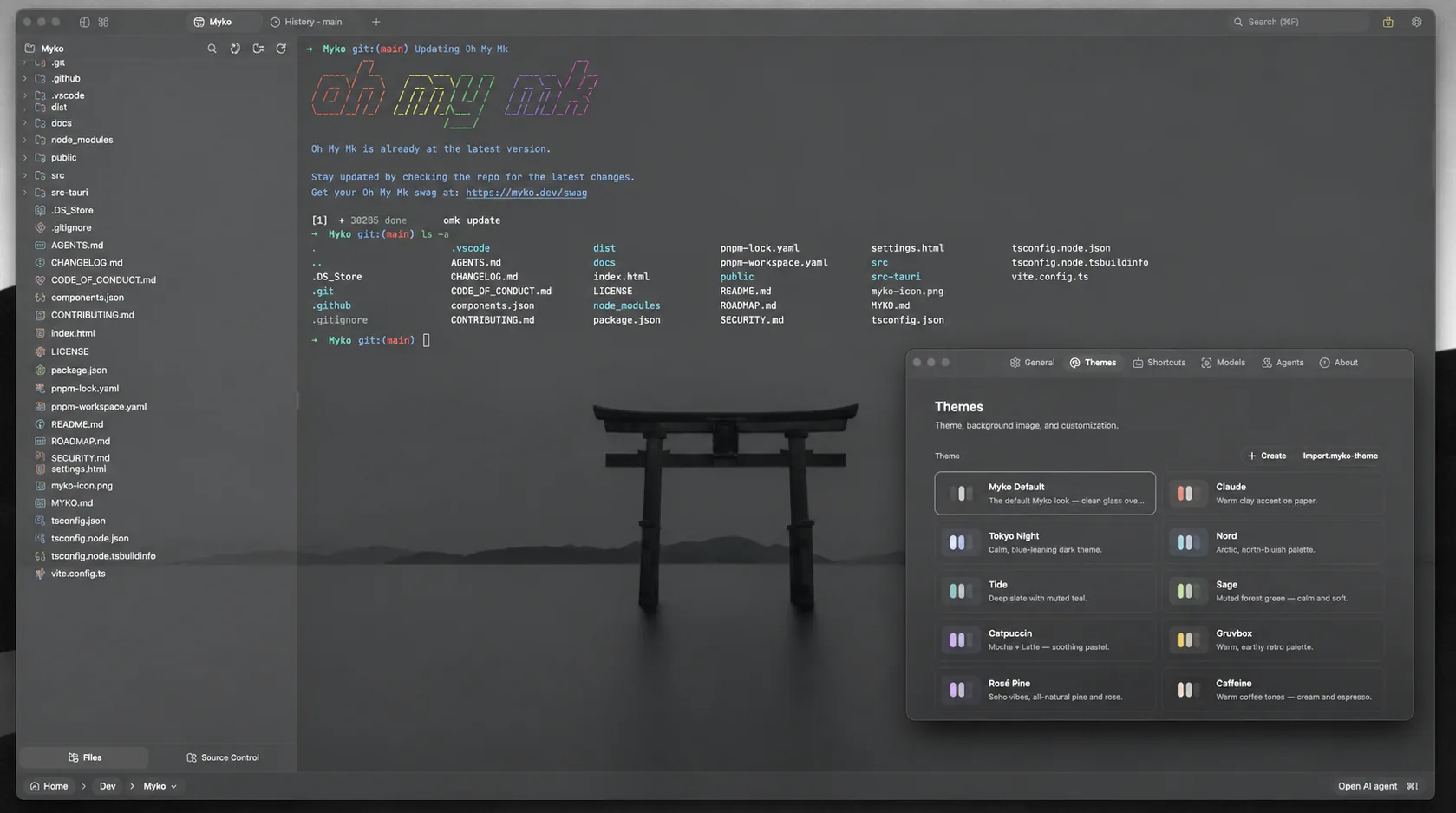
themes
Themeable down to the last pixel.
Start from curated presets, or build and share your own.
- Background images with opacity and blur
- Editor theme independent from app theme
- Import community themes
and more
More built in than a 10MB install should have.
🎙
Voice input
Dictate commands and prompts.
@
Composer
#snippets, @files and slash commands.
📄
MYKO.md
Project memory agents read automatically.
⚙
Background jobs
Long commands keep running while you work.
🗂
File explorer
Fuzzy search, inline rename, attach to AI.
🔐
Keychain keys
API keys stored in your OS keychain.
Ready to try Myko?
Free, open source, no account. Install in seconds.